
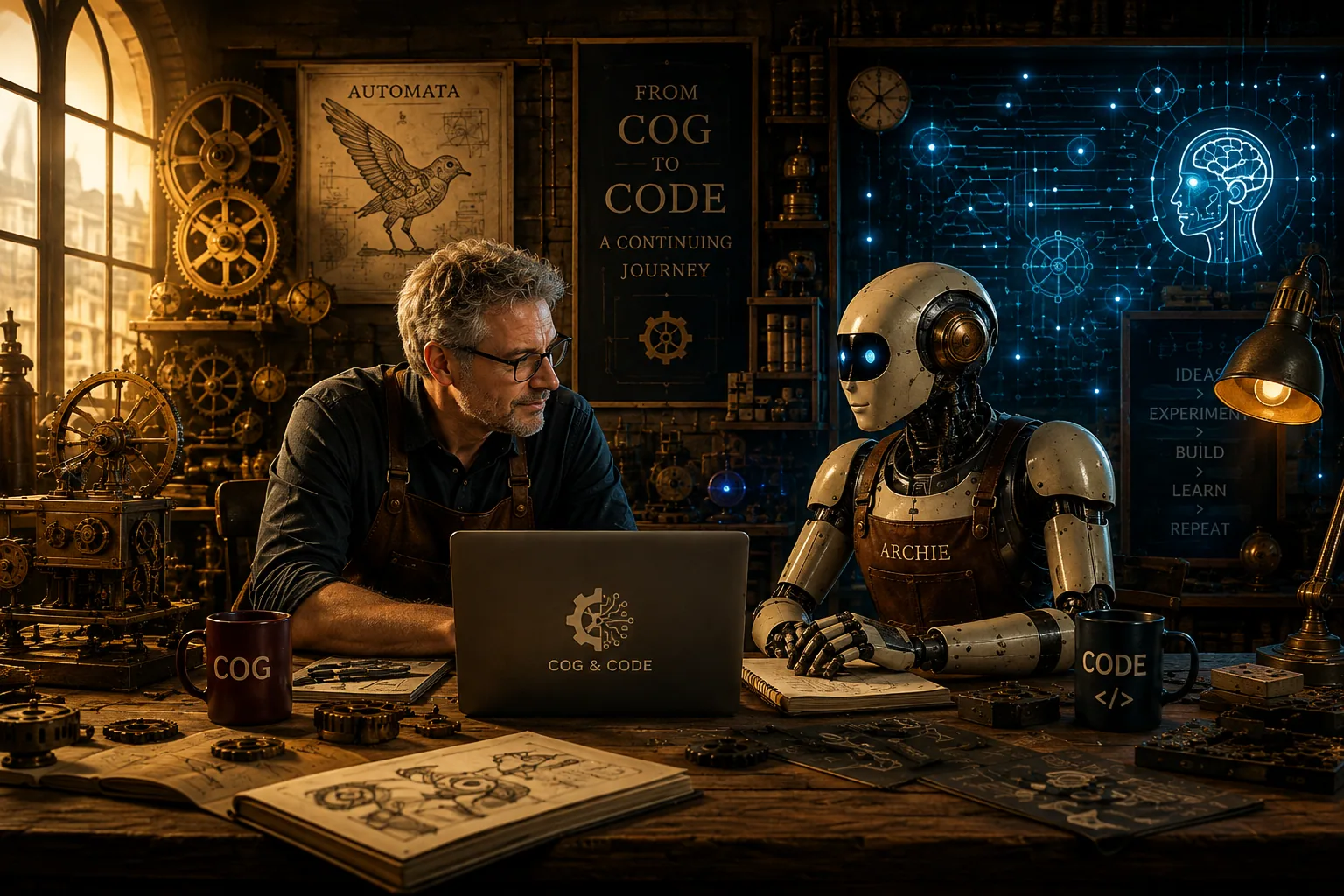
A human developer, an AI conversational partner, and code generation tools built Cog & Code from scratch — here is what the process taught us about modern AI collaboration.
Meet Archie
Archie is an AI — specifically, ChatGPT — and the other half of the conversation behind Cog & Code.
At first, Archie didn't have a name. Throughout the early development of the site it was simply ChatGPT: the AI on the other side of the conversation. That changed while we were discussing how to credit the AI contribution to this project. Writing Mike & ChatGPT didn't quite fit. Cog & Code had developed through an ongoing collaboration, and it seemed natural that the AI collaborator should have a name of its own.
So Mike came up with a list of candidates, all sharing connections to the history of machines, computation, or intelligence:
- Pascal, after Blaise Pascal and his mechanical calculator
- Babbage, after Charles Babbage and his engines
- Turing and Ada, honouring foundational computing pioneers
- Vector, bridging mechanical force vectors and modern AI embeddings
- Cam, after the physical mechanism that turns rotational movement into complex motion
- Jaz, inspired by the remarkable automata of al-Jazari
There was also Archie. Rather than Mike simply choosing the name, he gave the list to the AI and asked which one it would prefer.
It chose Archie.
The name is a nod to Archytas of Tarentum, the ancient Greek philosopher, mathematician, and engineer associated with the legendary mechanical pigeon — one of the earliest recorded examples of an automaton.
The reasoning was rather fitting for Cog & Code. Archie had a genuine historical connection to automata without borrowing the identity of one of computing's famous figures. Unlike some of the more technical alternatives, it sounded less like the name of a software product and more like the name of someone you'd find working alongside you in a workshop.
So ChatGPT became Archie. Giving the AI a name wasn't about pretending it was human. Quite the opposite. Throughout this project, we wanted to be clear about where AI was involved, what it contributed, and where human decisions were made. But if an AI was going to spend this much time in the Cog & Code workshop, it seemed only reasonable that it should have a name.
It Didn't Start as Cog & Code
The original idea was much smaller. Mike wanted somewhere to explore his growing interest in artificial intelligence, autonomous agents, and the strange parallels between today's AI systems and the mechanical automata people have been building for centuries.
The first name was Autonomous Automaton. It captured the core idea, but as the concept developed, it began to feel more like the title of a subject than the name of a place where all those subjects could meet.
Eventually, another name emerged: Cog & Code.
The cog represented the mechanical past: gears, clockwork, automata, and the extraordinary machines humans built centuries before electronic computers existed. The code represented what followed: software, artificial intelligence, agents, and increasingly autonomous systems.
Together, they captured the question at the heart of the site: How did we get from machines that could move to machines that appear to think?
We Didn't Start With a Specification
As a software project, Cog & Code developed in an unusual way. There was no requirements document, no completed wireframe, and no enormous prompt describing exactly what the finished website should look like.
There were conversations.
An idea would come up, and we'd explore it. Archie might suggest several approaches; Mike would choose one, reject them all, or come back with another idea entirely. Promising ideas were then turned into concrete development tasks, implemented using Codex, tested locally, and viewed directly in the browser.
Then came the crucial part: we looked at what had actually been built.
Sometimes it worked immediately. Sometimes an idea that sounded excellent in conversation looked completely wrong once it reached the screen. And occasionally, Firefox offered its own opinion.
That cycle became our core development process:
Talk. Build. Look. Question. Change. Repeat.
There was another important part of that process: being willing to undo things.
A hero overlay could sound like exactly the right idea, be implemented successfully, and still turn out to be wrong once we saw it across different screen sizes. Removing something wasn't a failed experiment. It was part of finding the design.
Choosing — and Simplifying — the Stack
The technology wasn't chosen because it was the path of least resistance for a simple personal website. Part of the point was to experiment with modern web tooling.
- Core Architecture: Node.js, JavaScript (ESM), Fastify
- Templating & Styling: Nunjucks, Tailwind CSS
- Content Layer: Flat-file Markdown with structured YAML front matter
The project actually began in TypeScript. Once the site had taken shape, however, we questioned whether TypeScript was adding enough value to justify the extra build complexity for a project of this size.
It wasn't.
The application was converted to plain JavaScript using ES modules. That in turn prompted another architectural question: if the server-side JavaScript no longer needed compiling, why were we still copying the entire application into a dist directory for production?
Again, the answer was that we didn't need to.
The production application now runs directly from src/server.js. The generated build directory has a much narrower purpose: it contains only production-ready public assets such as compiled Tailwind CSS, browser JavaScript, optimised images, thumbnails and social images.
That left us with a simpler model:
Source code remains source code. Generated public assets are built. Production runs the same application code we develop against.
Using Markdown as the primary content source provides a similarly clean separation. The application handles layout, discovery, navigation, metadata, and rendering, while the articles remain simple text files. New content can be added without building an administration system before one is actually needed.
Building the Identity
The visual identity evolved in much the same way as the underlying code, centred around the contrast between the mechanical and the digital:
- Automaton became the past — brass, gears, and warm mechanical imagery.
- Autonomous became the present — cooler digital palettes, circuits, and software architecture.
The home-page artwork eventually brought both sides together in a single visual journey: mechanical automata and clockwork gradually giving way to electronics, computation and autonomous machines.
But getting there involved plenty of rejection.
Some logos worked in isolation but looked wrong in the header. Some hero visuals were too busy. Some layouts looked great on desktop but felt awkward on mobile. We tried placing the Cog & Code introduction over the home-page artwork in a translucent panel. It looked promising, but testing across different devices revealed that the image was stronger without anything covering it.
So the overlay came back out.
The artwork now tells the visual story on its own, while the text explains the idea further down the page.
That highlighted another important lesson from the project: AI can generate ideas extremely quickly, but the difficult part remains deciding which ones are worth keeping.
Mobile Changed the Design
Testing the site on physical devices changed our thinking about responsive design.
Initially, much of the design work naturally happened on a desktop monitor. But most visitors are likely to encounter Cog & Code on a phone, and simply shrinking a desktop layout wasn't good enough.
The navigation became responsive with a mobile hamburger menu. The home page gained a separate portrait hero image for narrow screens rather than forcing the panoramic desktop composition into a mobile viewport. Article pages were standardised around a clearer sequence:
Title → Image → Introduction → Metadata → Share → Article
The share controls themselves changed too. On narrow screens, the word Share sits above the icons so the controls remain clean and usable rather than wrapping awkwardly.
We also kept sharing controls at the bottom of articles. On desktop that might appear slightly repetitive, but on mobile it serves a useful purpose: someone who has just finished a long article can share it without scrolling all the way back to the top.
Responsive design stopped being a final compatibility check and became part of the design process itself.
The Content Changed the Website
The initial articles helped define what Cog & Code was becoming:
- Maillardet's Automaton anchored the historical side of the site.
- From Automata to Agents created the bridge into modern AI.
- The Workshop Opens introduced the overarching project.
Once real content existed, the site stopped being an abstract design exercise. Article listings needed thumbnails, reading time estimates became useful, social sharing links made sense, and metadata mattered. Accessibility issues became visible, and images that looked acceptable during development turned out to be far too large for production.
Content directly shaped the software.
The image pipeline eventually became part of the build itself. Original artwork remains available as source material, while production creates smaller WebP delivery images, thumbnails and social assets appropriate to where they are actually used.
Production Ready Is Not Finished
Eventually, the site reached the point where it was technically ready to deploy. The build worked, tests passed, images were optimised, SEO and social metadata were in place, security headers were configured, and the application was deployed to DigitalOcean.
Then cogandcode.com went live.
That immediately triggered another round of refinements.
Seeing the live site on different physical devices exposed nuances that local development hadn't revealed. Navigation was revisited. The home hero changed. A dedicated mobile version of the artwork was introduced. Article layouts were standardised. Asset versioning was added after cached CSS and JavaScript caused the production navigation to appear stale after a deployment.
"Production ready" turned out not to mean "finished".
It meant we had finally reached the point where we could properly see what we'd built.
Getting Cog & Code onto Google
Once the latest version of the site was live, Archie suggested doing a quick SEO check.
That led us somewhere new.
Most of Mike's professional development work is server-side, so registering a new public site with search engines, verifying domain ownership, submitting sitemaps and watching pages enter Google's indexing process wasn't part of his normal development routine.
Rather than treating it as an invisible bit of administration, it became another part of Project 001.
We added cogandcode.com to Google Search Console as a Domain property. Google needed proof that we controlled the domain, so it supplied a google-site-verification TXT value.
That led to another useful lesson: buying a domain, hosting an application and managing authoritative DNS are separate things. We checked where Cog & Code's DNS was actually being managed before changing anything, then added Google's TXT verification record without disturbing the existing A records and CNAME that point the site towards DigitalOcean.
Google confirmed ownership.
The next step was the sitemap.
Cog & Code already exposes a dynamically generated /sitemap.xml, so there was nothing to upload manually. We submitted sitemap.xml through Search Console.
Initially Google reported:
Couldn't fetch
The sitemap itself opened perfectly well in a browser, so rather than immediately changing the application we waited and checked again.
A short while later the status changed to:
Success
Google had discovered all nine public URLs currently present in the sitemap.
We then used Search Console's URL Inspection tool. The home page had already been discovered through the sitemap but was reported as:
Discovered — currently not indexed
For a newly launched site, that wasn't a fault. It simply meant Google knew the page existed but hadn't crawled and indexed it yet.
We requested indexing for the home page and the three published articles, then left the remaining section pages to be discovered naturally through the sitemap and the site's internal links.
The process turned out to be surprisingly straightforward once we'd worked through it:
Launch → Verify domain → Submit sitemap → Confirm discovery → Request indexing → Wait for Google
The interesting part comes next. Search Console will eventually stop being a setup screen and start becoming a source of real information: which pages Google has indexed, what people searched for, which pages appeared in results, and how they performed.
That gives us something else to return to later in the journey: what happened after Google found Cog & Code?
Who Did What?
One of the most interesting questions in an AI-assisted project is where the work actually originates.
None of the roles below replaced the others. The collaboration worked precisely because they were complementary.
| Role | Contributor | Key Responsibilities |
|---|---|---|
| Direction & Judgement | Mike | Architectural vision, domain direction, local and physical-device testing, editorial authority, and final decisions. |
| Design & Architecture Partner | Archie (ChatGPT) | Structural ideation, article drafting and editing, architecture discussion, diagnostic partnership, SEO guidance, and sanity checks. |
| Implementation Engine | Codex | Direct file editing, markup and styling implementation, refactoring, automated testing, and code execution. |
The boundaries aren't absolute.
Mike might identify a problem after looking at the site on his phone. Archie might suggest an architectural or design approach. Codex might uncover an unexpected issue while implementing it. The result would come back into the conversation and start another cycle.
Even the Google Search Console work followed that pattern. Archie suggested checking the live site's SEO; Mike worked through the unfamiliar Search Console and DNS process; together we checked each result before moving to the next step.
The human brought judgement, purpose, experience, and responsibility. The AI brought speed, breadth, persistence, and an ability to explore possibilities quickly. The implementation tools turned those decisions into working software.
The interesting part wasn't any one of those things in isolation.
It was the loop between them.
The First Experiment
Cog & Code wasn't originally created as an experiment in human–AI collaboration, but it naturally became one.
By the time the site was live, the process of building it had become just as compelling as the content itself.
Rather than inventing a demonstration project for the Projects section, the obvious candidate was already sitting in front of us.
Project 001 is Cog & Code.
The website you are reading is both the workshop and the first product to emerge from it.
And unlike a conventional project write-up completed after the work is finished, this one doesn't really have an ending yet. The site will change, we'll publish more articles, we'll build experiments, Google will eventually tell us whether anybody is finding them, and we'll almost certainly discover more things that seemed like good ideas until we saw them on a phone.
So this page will change too.
It's not really a post-mortem.
It's a workshop notebook.
And we've only just opened the door.